The Daily Routine — Morning to Closing
This page is your guide through everyday POS operations: what needs doing in the morning, during the shift, and in the evening? Each task is only briefly explained here — the details are on the linked pages. At the end you'll find a printable checklist.
Our example: Café Sonnenblick
To make the workflow tangible, we'll follow a day at Café Sonnenblick: owner Petra unlocks the doors at 8:30 AM, two part-time staff alternate at the register during the day, and at 11:15 PM the Z-report is printed and the day is done.
Opening in the Morning (5 minutes)
Café Sonnenblick, 8:30 AM: Petra unlocks the doors, switches on the register, and gets it ready for the day.
- Switch on the register and wait until the login screen appears.
- Log in — via PIN or NFC card. See Staff Switch & Login for how this works.
- Open the register: Count the change in the drawer. Then open Menu → End-of-Day Report → "Open register" and enter the counted amount as the opening balance on the number pad (e.g. 200.00 EUR). Details: End-of-Day Report.
- Check the receipt printer: Is there enough paper loaded? Is the lid properly closed?
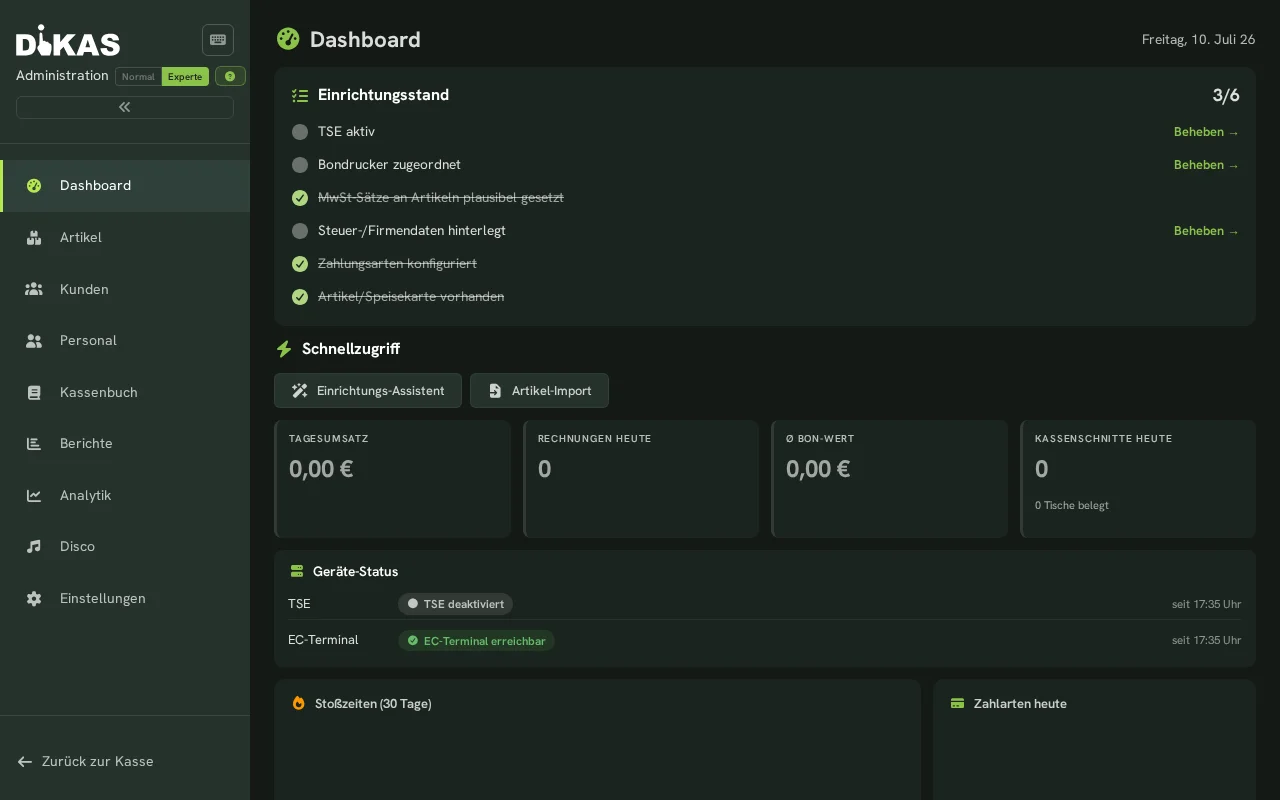
- Glance at the TSE status: A quick look at the POS header bar. If no TSE notice appears there, everything is fine. If you see a red TSE icon or a warning like "TSE disabled", read TSE — you may still keep selling.
Count the change properly once
The opening balance is the foundation for the cash count in the evening. Whoever counts carefully in the morning saves themselves the search for a discrepancy at night.
During the Shift
11:00 AM: Part-time staffer Lena takes over the register. 3:20 PM: the beverage supplier brings crates and a delivery note.
- Staff switch: Tap the employee name in the header bar and log in with your PIN. This way, every receipt is assigned to the right employee. → Staff Switch & Login
- Book cash withdrawals immediately: Money taken from the drawer (paying out deposit returns, a quick purchase) is recorded immediately as an expense — not left until the evening. → Recording Expenses
- Photograph supplier receipts right away: Photograph the delivery note or receipt directly at the POS and attach it to the expense. That way nothing gets lost. → Photographing Receipts
- Handle voids immediately: Booked something wrong? Void it right away (with a reason), don't save it "for later". Every void is documented. → Checkout
- Hand over tables: At a shift change, hand over open tables to the colleague taking over so it's clear who settles them. → Staff Switch & Login
No money without a booking
Every withdrawal from the cash drawer needs an expense entry — otherwise the money is missing from the evening cash count and the register shows a shortfall.
Closing in the Evening (10 minutes)
10:45 PM: the last guest has left. Petra starts the close-out; by 11:15 PM the Z-report is filed.
- Settle all open tables. Open tables don't technically block the end-of-day report, but they belong to a clean close of the day.
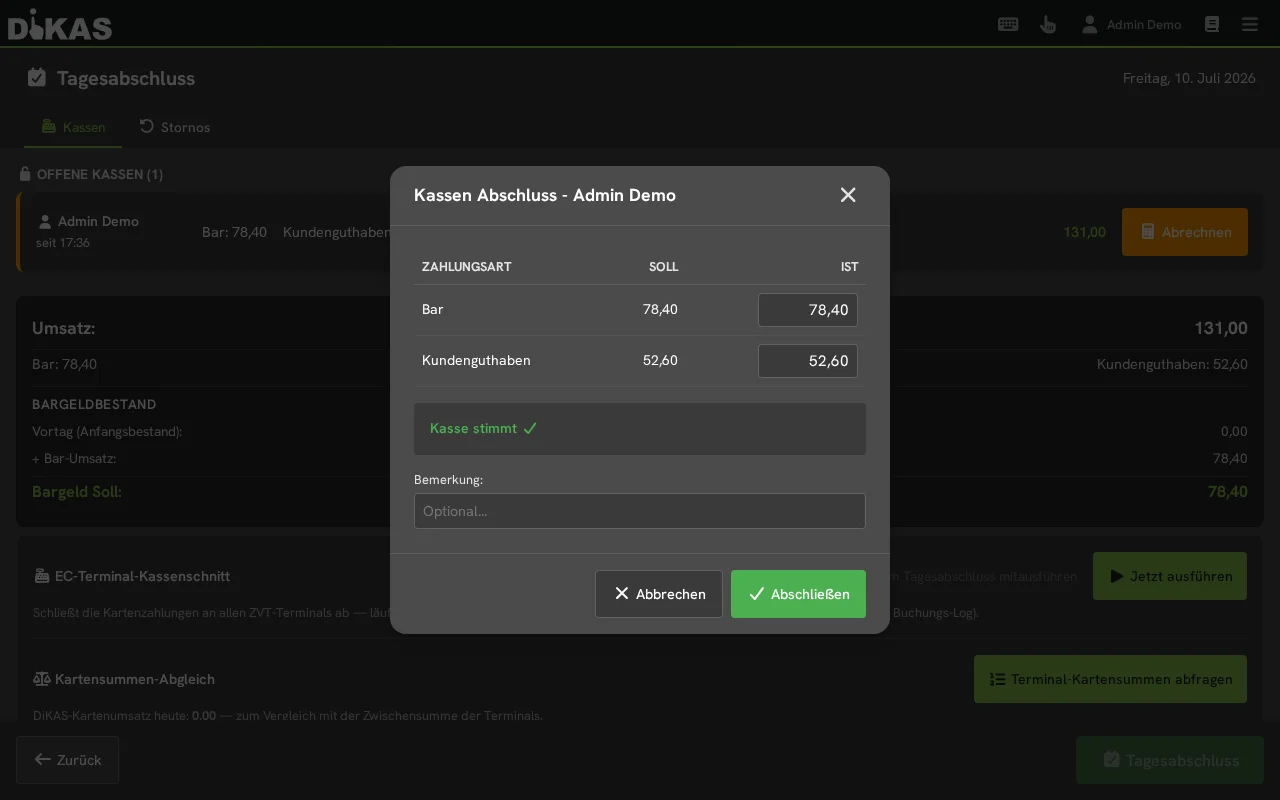
- Open the end-of-day report: Menu → End-of-Day Report.
- The card terminal settlement runs along with it: The end-of-day report automatically handles the card terminal's (ZVT) settlement too. Beforehand, you can use the card totals comparison to check whether the terminal and register show the same card total.
- Count cash — per register: The close-out dialog shows the expected amount per payment method and register. You count the cash and enter the actual amount. DiKAS keeps a running cash total: opening balance from the previous day + cash revenue − withdrawals + deposits − cash expenses.
- Check the difference: A surplus is shown as a tip. In case of a shortfall, the warning "Cash balance doesn't match" appears — then count again and think about any unrecorded withdrawals.
- Print and file the Z-report (under Admin → Cash Book → End-of-Day Reports) — the printout belongs with the records for the tax office.
- Set aside change for tomorrow: Leave suitable change in the drawer or have it ready — that becomes tomorrow's opening balance.
Full details on what the Z-report contains and what blocks the close-out: End-of-Day Report.
The end-of-day report is final
After the close-out, no further bookings are possible for that day. Check first, then close out.
Weekly and Monthly
These tasks don't belong in the daily rush — once a week or once a month is enough:
| Task | Frequency | Where |
|---|---|---|
| Review the cash book — do revenue, expenses, and differences add up? | weekly | Cash Book |
| Send DATEV export to the tax office | monthly (or as agreed) | DATEV Export |
| Review reports — what went well, what didn't? Spot bestsellers and slow movers | weekly | Reports |
| Check the backup — the cloud backs up automatically, a quick check is enough | monthly | Backup |
Printable Checklist
| ✔ | Morning (5 min.) | During the Shift | Evening (10 min.) |
|---|---|---|---|
| ☐ | Switch on the register, log in | Staff switch via PIN | Settle all open tables |
| ☐ | Count change | Record cash withdrawal as expense immediately | Start end-of-day report (card terminal settlement runs along) |
| ☐ | "Open register" — enter opening balance | Photograph supplier receipt immediately | Count cash per register, enter actual amount |
| ☐ | Receipt printer: paper loaded, lid closed | Void mistakes immediately (with reason) | Check the difference (tip / warning) |
| ☐ | Header bar: no TSE notice | Hand over tables at shift change | Print and file the Z-report |
| ☐ | Set aside change for tomorrow |
Next Steps
- End-of-Day Report — the evening close-out in detail
- Staff Switch & Login — PIN, NFC, and shifts
- Recording Expenses — booking cash withdrawals correctly
- Emergency Help — when something jams in the middle of service